
Remember
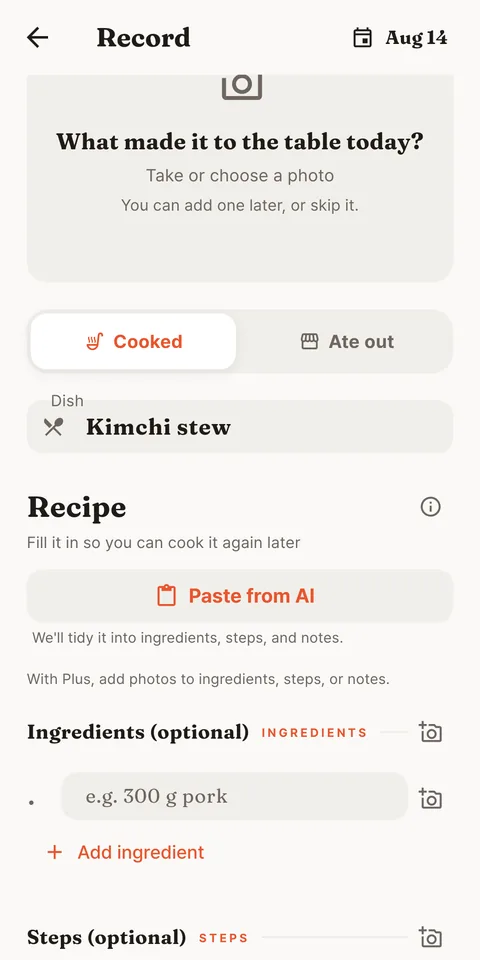
Today's meal, remembered
Every meal disappears twice.
Once from the table, once from memory.
JipCook keeps the second one.
 한국어
한국어
JipCook is a cooking journal and family cookbook.
One photo keeps the recipe, and your family table fills up.
Opens in your browser right now. No install, no sign-up.
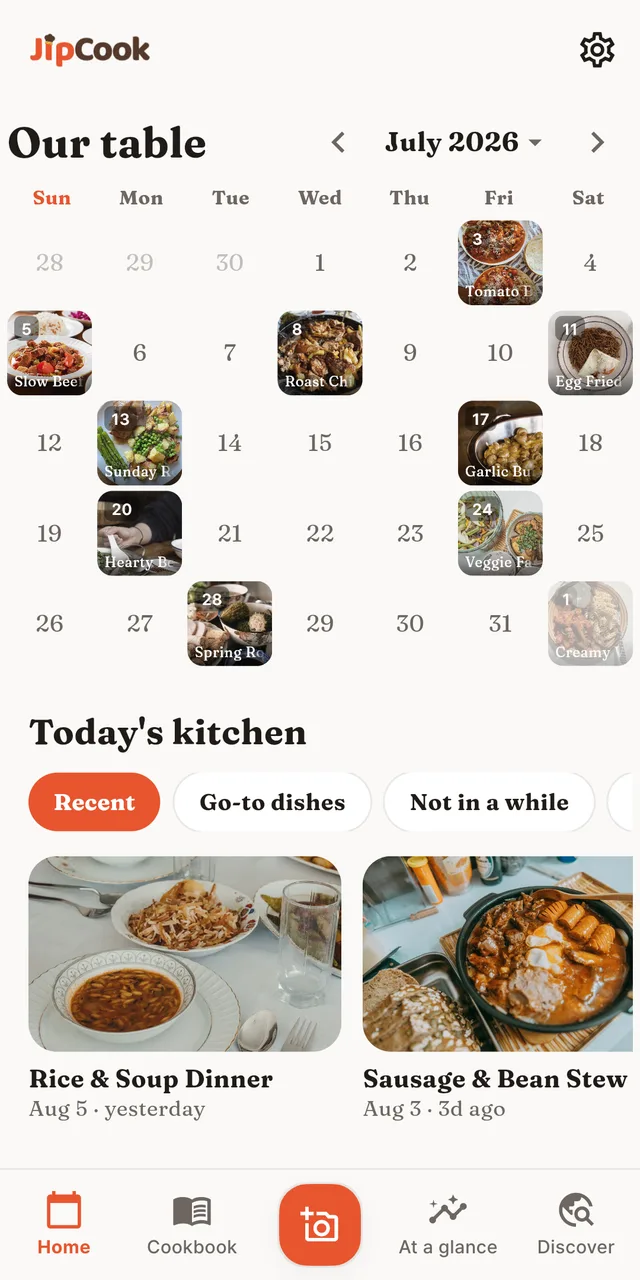
Keep it, let it grow, cook it again.
That's all there is to JipCook.
Remember
Every meal disappears twice.
Once from the table, once from memory.
JipCook keeps the second one.
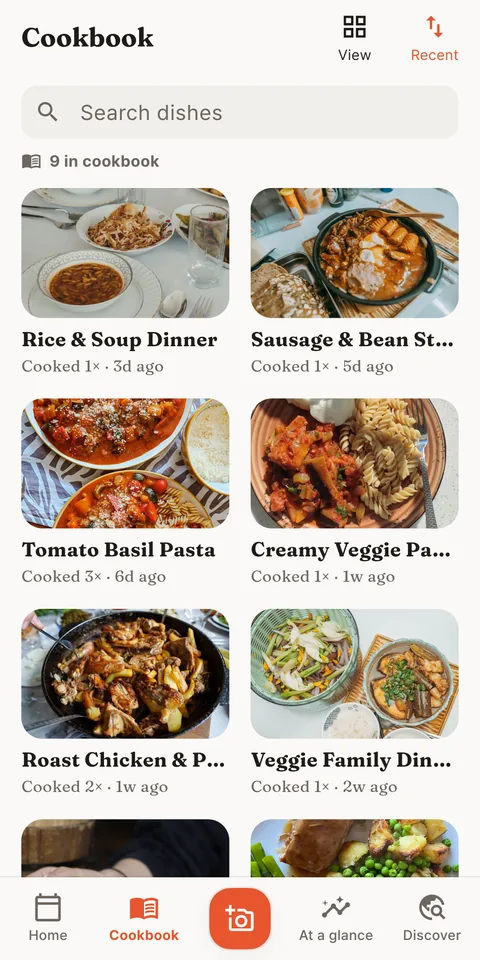
Grow
The dishes you actually make, the way you make them.
Records add up to your family's own cookbook.
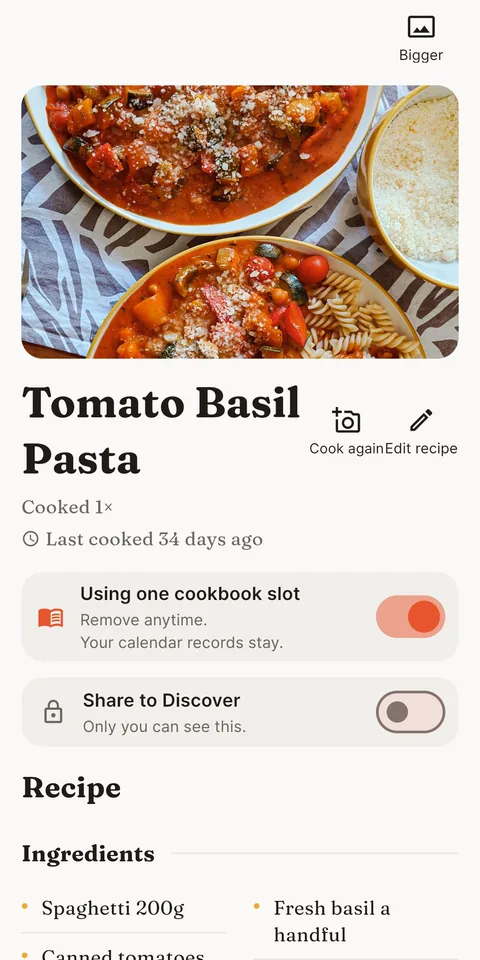
Cook again
"How did I make this last time?" is gone.
Open a recipe and tap Cook again.
Together
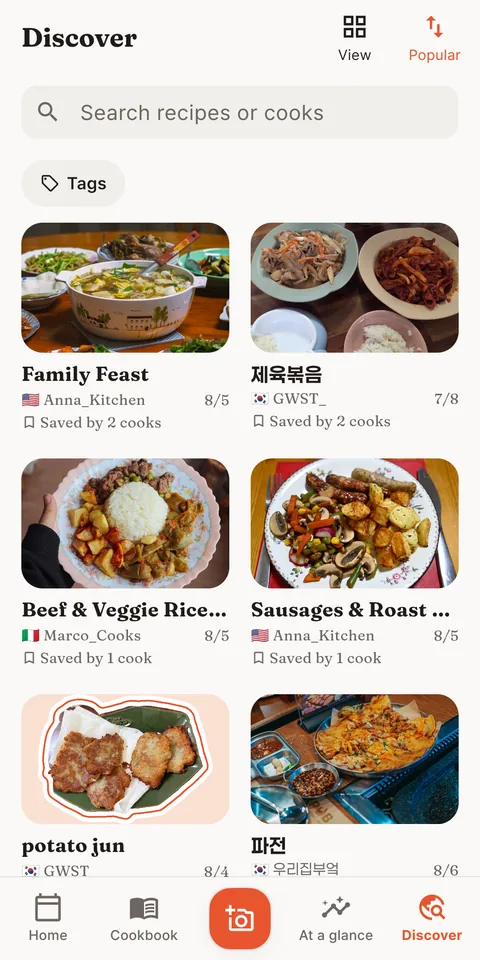
Find tonight's idea in someone else's kitchen.
Share your own recipes when you want.
And a little more
Dinner ideas
"Today's kitchen" picks dishes worth cooking again.
At a glance
Loved dishes and cooking streaks, all in view.
The ones you already have, and the one you just made, all stay here.
Ones you wrote yourself, ones you screenshotted, ones you made with an AI.
Made with AI, kept in JipCook
Paste it into the AI chat where you made the recipe.
Ingredients, steps, notes and tags, each in its place.
Paste it back, save, and it's yours to cook again.
It doesn't have to come from an AI.
Write the ingredients and steps in that shape, paste it in, and it's yours.
If you're wondering
Save today's meal as a guest, right away.
Discover and device sync open up once you link an account.
Link an account and your records live in it.
Years of cooking follow you to a new phone.
Your records are yours alone.
Nothing shows until you share it yourself.
Recording, the calendar, cooking again: yours to keep in the browser.
Want more room? Try Plus for 7 days in the app, then decide.
Paste them in and JipCook sorts them into ingredients, steps, notes and tags. JipCook does not write recipes for you. If you worked one out with an AI, copy the tidy-up request JipCook gives you, paste it into that chat, and bring the formatted result back. A recipe you made today comes in the same way.
No. JipCook starts as a guest with no sign-up. Link an account later to keep your kitchen across devices.
Your records live in your account, not just on one phone. Switch devices and years of cooking come with you.
Not unless you choose to share them. JipCook is private by default — nothing is public until you make it public.
JipCook Plus unlocks a bigger cookbook, more photos per record, decorations, and deeper stats. The heart of the app, recording, the calendar and cooking again, is yours from day one. You can try Plus for 7 days in the app before you decide.
In your web browser today, right here. Coming soon to Google Play; an iOS version is planned.
JipCook began in one kitchen.
I built it for my wife, so the meals she cooks for our family wouldn't be forgotten.
It grows the same way today: one home-cooked dinner at a time.